
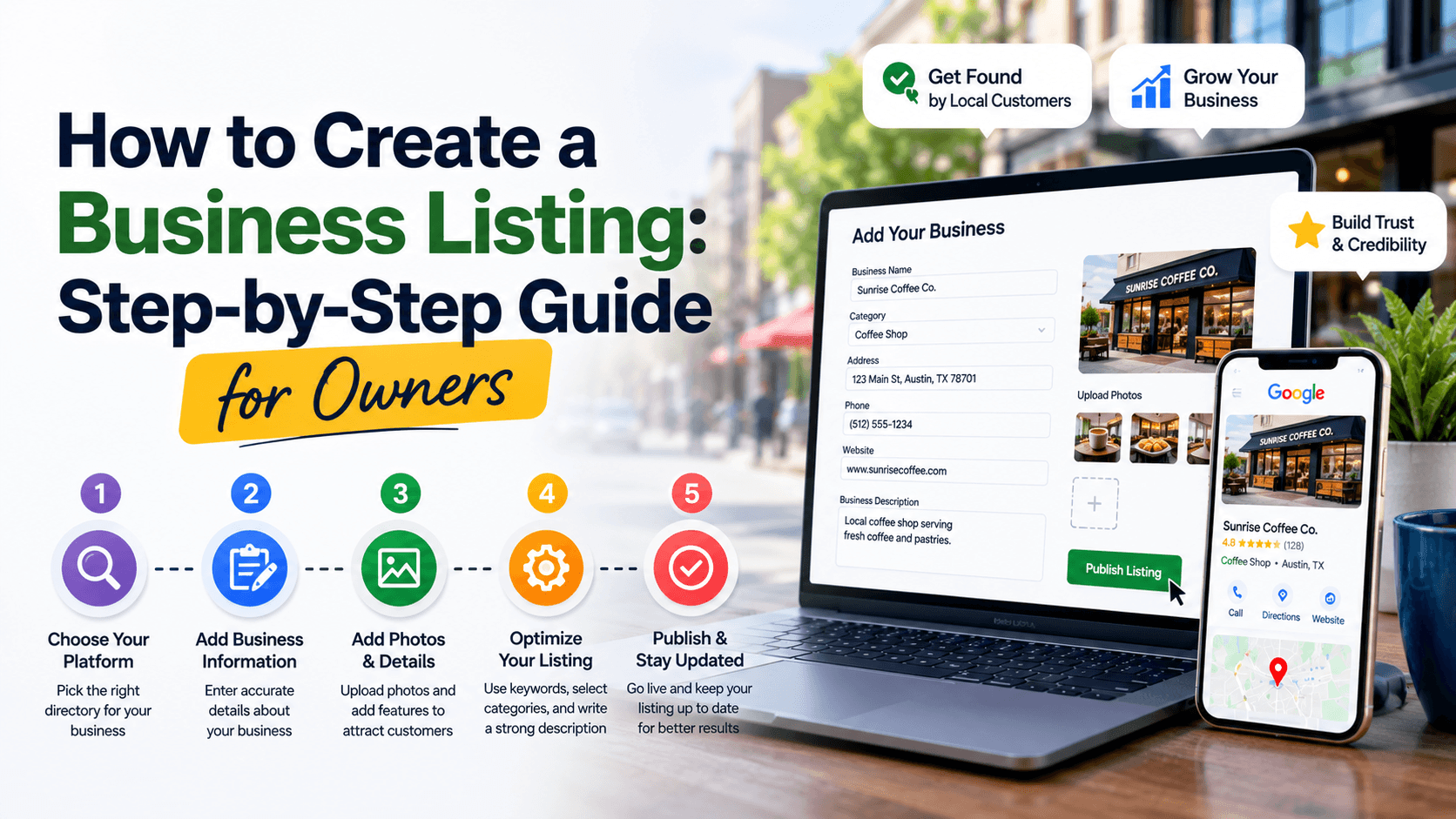
How to Create a Business Listing: Step-by-Step Guide for Owners
Getting listed on City Routes Pro is one of the fastest ways to put your business in front of local customers who are actively searching for what you offer. If you haven’t claimed your spot yet, here’s a straightforward walkthrough to get you there, without any technical headaches.
Step one: search for your business
Start by checking whether your business already has a placeholder listing pulled from public records. If it does, you can claim it directly. If not, you’ll create a new profile from scratch. Either way, this first step takes just a minute or two.
Step two: fill in the essentials
Add your business name exactly as customers know it, your current address, phone number, and hours of operation. Skip the temptation to leave anything blank “for now.” Incomplete listings are far less likely to earn clicks, since customers tend to trust profiles that look cared for.
Step three: choose your categories carefully
With dozens of categories available, from Home Improvement Services to Health and Medical, picking the right ones helps the right customers find you. Choose the category that most precisely matches your core service, and add a secondary category if your business genuinely spans two areas.
Step four: add photos that tell your story
A storefront photo, a shot of your team at work, or a few finished projects go a long way toward building trust. Listings with real photos consistently earn more attention than ones using generic placeholders, simply because they feel more human and more real.
Step five: keep it current
A listing isn’t a one-time task. Revisit it whenever your hours change, you add a new service, or you want to refresh your photos. A profile that’s clearly maintained signals to customers that the business behind it is active and reliable.
Conclusion
That’s the whole process. In under fifteen minutes, your business can go from invisible to easy to find for every customer searching your city on City Routes Pro. Claim your listing today and start showing up where local decisions are made.
Frequently Asked Questions
Is creating a City Routes Pro listing free?
Yes, claiming and building out a standard business listing on City Routes Pro is free.
What information do I need to create a listing?
At minimum, you'll want your business name, current address, phone number, hours of operation, a short description, and a few photos on hand before you start.
Can I edit my listing after it's published?
Yes. You can log back in at any time to update your hours, description, photos, or categories as your business changes.